
How to Take Professional Headshots at Home (And When You Shouldn't)
Let's be honest about why you're here. You need a professional headshot, you don't want to spend money on a photographer right now, and you're wondering if your phone camera and a blank wall can get the job done.
Sometimes it can. A well-executed DIY headshot is better than no headshot, and it's vastly better than the cropped group photo or bathroom selfie that's currently on your LinkedIn. If you follow the right steps, you can produce something that looks clean and competent.
But there are limits. And knowing where those limits are saves you from spending two hours on a DIY attempt that looks worse than what you started with.
Here's how to do it right — and how to know when it's time to call a professional.
Lighting Is 90% of the Photo
This is the part most people skip, and it's the reason most DIY headshots fail. The difference between a professional headshot and an amateur one is almost entirely lighting. Not the camera. Not the background. Not the pose. Lighting.
The best free light source: a large window.
Stand facing a window — not next to it, not at an angle to it, directly facing it. The window should be the primary light source hitting your face. This creates even, soft, diffused light that minimizes shadows and flatters every face shape.
The window should be large. A small bathroom window creates harsh, directional light. A living room window, a sliding glass door, or a wall of windows creates the broad, soft light you need.
The time of day matters. Overcast days are ideal — clouds act as a giant natural diffuser. Direct sunlight through a window creates hard shadows across the face. If it's sunny, hang a white sheet over the window to soften the light, or wait for a cloudy day.
What to avoid:
Overhead lighting. The ceiling lights in your house cast light straight down, which creates shadows under your eyes, nose, and chin. Turn off all overhead lights when shooting. Use only the window.
Mixed lighting. If you have a window on one side and a lamp on the other, the two light sources will be different colors — daylight is blue-white, indoor bulbs are yellow-orange. Your camera will try to correct for one and the other will look wrong. Use one light source only.
Backlighting. Don't stand with the window behind you. Your face will be in shadow and the background will be blown out. The light needs to be on your face, not behind your head.
If you don't have good window light:
You can buy a basic ring light ($30–$60) or an LED panel light ($40–$80) that will do a reasonable job. Position it directly in front of you, slightly above eye level. It won't match studio lighting, but it's a massive improvement over ceiling lights or no intentional lighting at all.
Background: Keep It Simple
A clean, uncluttered background is non-negotiable. Every piece of furniture, picture frame, doorknob, and power outlet behind you is a distraction in the final photo.
Best options at home:
A plain white or light gray wall. This is the easiest background that works. Stand three to four feet away from the wall so your shadow doesn't fall on it — if you're too close, the shadow of your head creates a dark halo behind you.
A hung backdrop. A large piece of fabric — a bedsheet, a curtain, or a $20 muslin backdrop from Amazon — taped or pinned to the wall gives you a clean surface. White, light gray, or medium gray are the most versatile. Iron out the wrinkles — they'll show.
What doesn't work:
Busy rooms. Your bookshelf, your kitchen, your bedroom with an unmade bed visible behind you — these backgrounds make the photo look like a screenshot from a video call, not a headshot.
Textured walls with obvious texture. Brick can work in certain contexts, but most residential textures (popcorn ceiling textures on walls, wood paneling, wallpaper) look cheap on camera.
Outdoors with a cluttered background. Your backyard with a fence, a neighbor's house, and a garden hose is not an outdoor portrait setting. If you shoot outside, find a spot with a clean, distant background — a wall of greenery, an open sky, or a building with a smooth facade.
Camera Setup
Your phone is fine. The rear camera on any phone from the last four to five years has enough resolution and quality for a professional headshot. Don't use the front camera — it's lower quality and the wide angle distorts facial proportions (it's why selfies make your nose look bigger).
Critical settings:
Use Portrait Mode if your phone has it. Portrait Mode blurs the background slightly, which separates you from the wall behind you and creates a more professional look. On iPhone, select 2x or 3x zoom in Portrait Mode for the most flattering facial proportions.
If you don't have Portrait Mode, zoom in slightly (1.5x to 2x) rather than standing close to the camera. Wide-angle lenses distort faces. Zooming in compresses features and looks much more like a professional portrait.
Turn off the flash. Always. The built-in flash on a phone creates flat, harsh, direct light that makes everyone look terrible. Use window light or your external light source instead.
Tripod or mount: Don't hold the phone yourself — that's a selfie, not a headshot. Use a tripod (phone tripods are $15–$25), prop the phone on a stack of books, or have someone else hold it. Set a 3-second or 10-second timer so you can get into position.
Camera height: The camera should be at eye level or very slightly above. Below eye level makes you look heavy and emphasizes nostrils. Significantly above eye level looks like a dating app selfie. Straight on or barely above is the professional standard.
Posing: Apply the Same Rules
Everything from our posing guide applies to DIY headshots:
Angle your body 30–45 degrees away from the camera. Don't face it straight on.
Push your chin slightly forward and down. Sharpens the jawline.
Drop your shoulders. They're probably up around your ears right now.
Look at the camera lens, not at the screen.
Try multiple expressions — slight smile, no smile, genuine laugh. Take a lot of photos. You need volume because you don't have a photographer directing you in real time.
The Self-Timer Approach
Here's the workflow that produces the best DIY results:
Set up your background and lighting. Position the camera at eye level on a tripod, about five to six feet away. Set Portrait Mode and 2x zoom. Set a 10-second timer.
Press the shutter, walk to your mark, settle your posture, adjust your expression, and let the camera fire. Don't move to check the photo immediately — stay in position and run the timer again with a slightly different expression or angle.
Shoot 50–100 photos. Seriously. Professional photographers deliver 3–5 final images from a session where they shot 200+. Your hit rate without a photographer directing you will be much lower. Take way more than you think you need, then sort through them later.
Review the photos on a large screen — your laptop or a tablet, not your phone. Details that look fine on a 6-inch screen become obvious on a 15-inch one.
Editing: Subtle Wins
A small amount of editing separates a DIY headshot from a phone snapshot.
What to adjust:
Brightness and exposure. If the photo is slightly dark, bring up the exposure. Your face should be well-lit and the brightest element in the frame.
Contrast. A slight increase in contrast adds definition and makes the image look more polished.
Crop. Crop to a standard headshot frame — head and shoulders, with a small amount of space above the head. Center your face or position it slightly off-center for a more dynamic composition.
Straighten. If the camera was slightly tilted, fix it. A crooked horizon line makes the entire photo feel off, even if the viewer can't articulate why.
What not to do:
Don't use beauty filters. They smooth skin, enlarge eyes, and slim faces in ways that look immediately artificial. Your headshot should look like you.
Don't over-saturate colors. A slight boost in vibrancy is fine. Cranking the saturation makes skin look orange and eyes look alien.
Don't sharpen aggressively. Over-sharpening makes every pore, wrinkle, and skin texture look exaggerated.
Free editing tools that work: Snapseed (mobile), Lightroom Mobile (free version), or the built-in photo editor on your phone.
When DIY Isn't Enough
A DIY headshot can work for LinkedIn, a Slack avatar, an internal company directory, or any context where the bar is "better than what I had before."
It won't work — and you shouldn't pretend it will — in these situations:
Your headshot represents a company. If you're the CEO, the managing partner, or a senior leader whose photo appears on the company website, in press releases, or in investor materials, a DIY headshot sends the wrong signal. It says "we didn't invest in this." Your audience will notice.
You're in a visual or client-facing industry. Realtors, coaches, therapists, consultants — people who are selling themselves and their expertise. A DIY headshot competes against professionals who invested in theirs. The comparison isn't flattering.
You need the photo for print. Phone cameras produce images that look fine on screens but fall apart when printed larger than 5x7. If the photo will appear on a banner, a program, a book jacket, or a trade show display, you need studio-grade resolution and lighting.
You need multiple looks or a content library. A DIY setup can produce one usable headshot with effort. It cannot produce the range of images you'd get from a professional session — different angles, different expressions, different backgrounds, different crops for different platforms.
You tried and the results look amateur. Sometimes you do everything right and the photos still look like someone took them with a phone in their living room. That's not a failure — it's the limitation of the format. Professional headshot photography exists because it takes specialized equipment, training, and a controlled environment to consistently produce images that look editorial.
The Honest Math
A professional headshot session costs $200–$400 and takes 30 minutes. You get images that last 2–3 years across every platform you use.
A DIY headshot takes 1–2 hours (setup, shooting, reviewing, editing), produces one usable image if everything goes right, and may need to be redone in a few months if the quality doesn't hold up.
For many people, the DIY approach makes sense as a starting point. Get something up now, replace it with a professional shot when the budget allows. That's a completely reasonable strategy.
Just don't convince yourself that the DIY version is the same as the professional one. It's not. And at some point in your career, the difference will matter enough to invest.
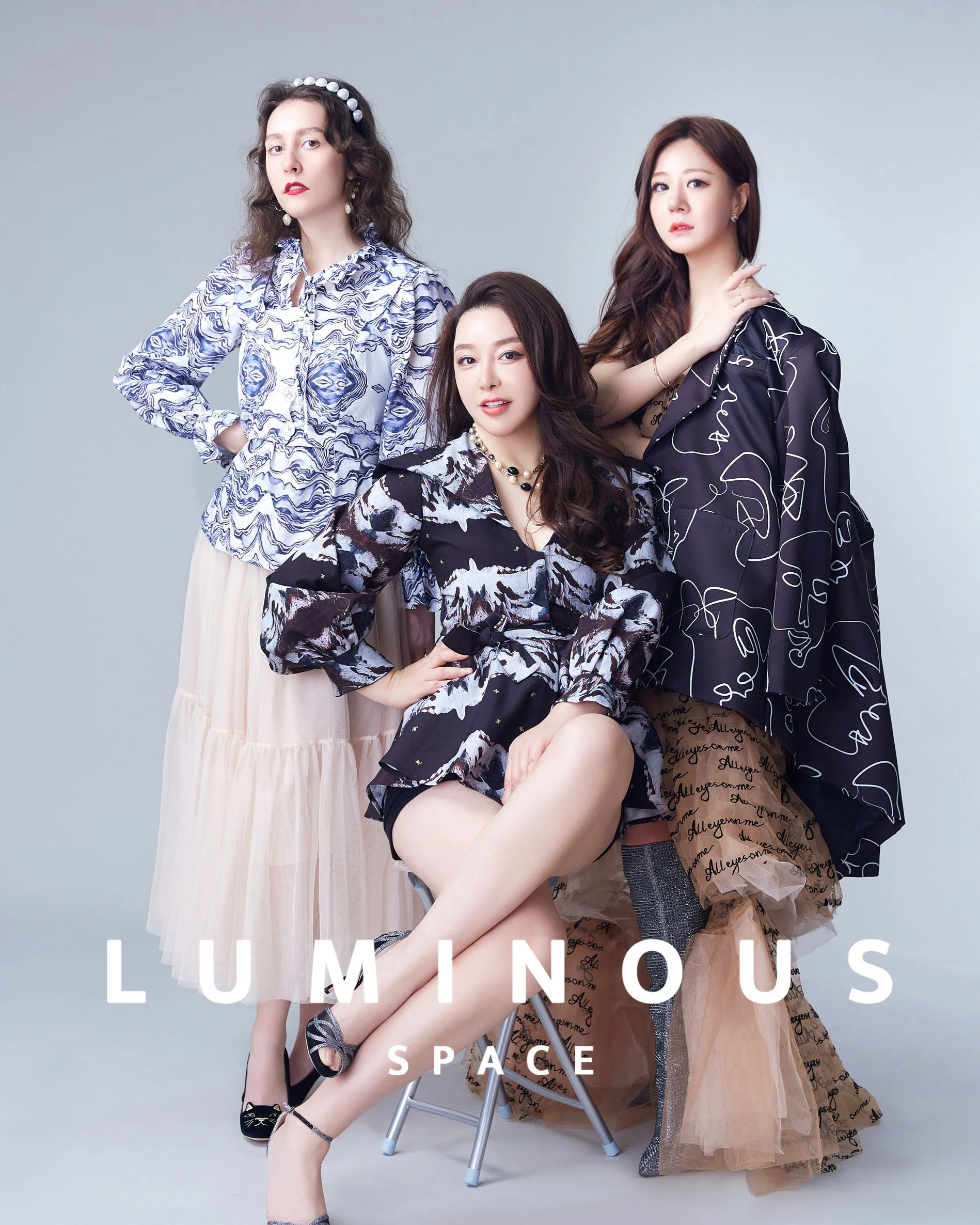
When you're ready for the upgrade: Luminous Space offers professional headshot sessions starting at $249 in our San Mateo studio. Posing direction, multiple backgrounds, same-day proofing, and retouched finals included. Book your session →
Related: How to Pose for Headshots → · What to Wear for Headshots →